Home · Reviews · Jan 19, 2026 · 8 min
APOB AI Review 2026: Can This Free Tool Replace $79 AI Headshot Generators?
Professional headshots cost $200-500 with photographers, and AI headshot tools like BetterPic charge $49-79 per session. You're about to find out if there's a better way. APOB AI offers free professional headshots with 80 daily credits—no credit card required. After…
Professional headshots cost $200-500 with photographers, and AI headshot tools like BetterPic charge $49-79 per session. You’re about to find out if there’s a better way.
APOB AI offers free professional headshots with 80 daily credits—no credit card required. After testing this platform for 30 days and generating over 200 images, this APOB AI review reveals what actually works, what doesn’t, and how it stacks up against paid alternatives that cost 10x more.
Here’s everything you need to know before creating your first AI headshot.
💎 What Is APOB AI? (Understanding the Platform)
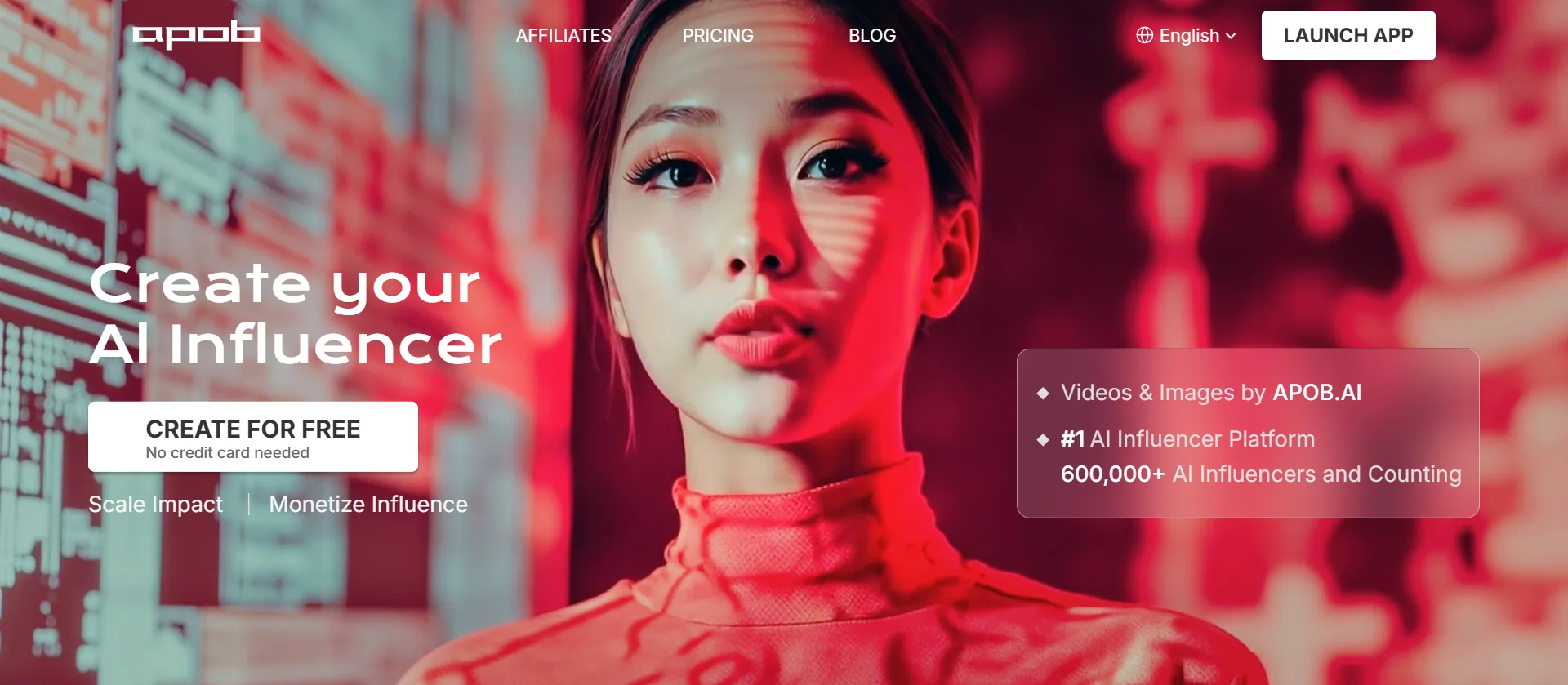
APOB AI started as an AI influencer generator and evolved into a multi-purpose portrait creation platform. While it’s designed for creating AI social media personas, the tool excels at generating LinkedIn photos, professional headshots, resume photos, and business portraits.
The platform uses advanced AI models to generate hyper-realistic portraits. You can create images from scratch or upload your own photo as a reference. With over 600,000 AI influencers created on the platform, APOB AI has proven its technology works at scale.
The biggest advantage? You get 80 free credits daily that regenerate every 24 hours. No other professional AI headshot platform offers this model. It’s web-based, so there’s nothing to download or install.
🧐 How APOB AI Works for Professional Headshots?
Creating professional headshots with APOB AI follows two paths:
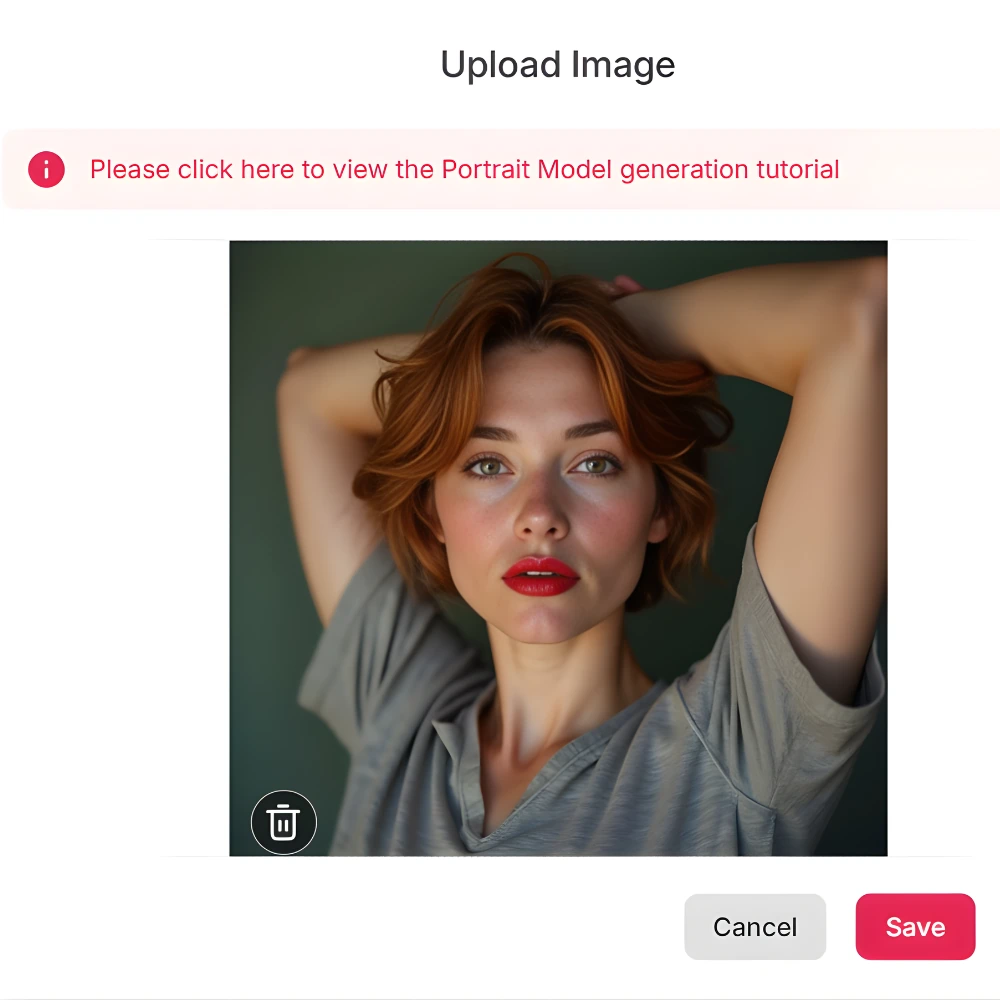
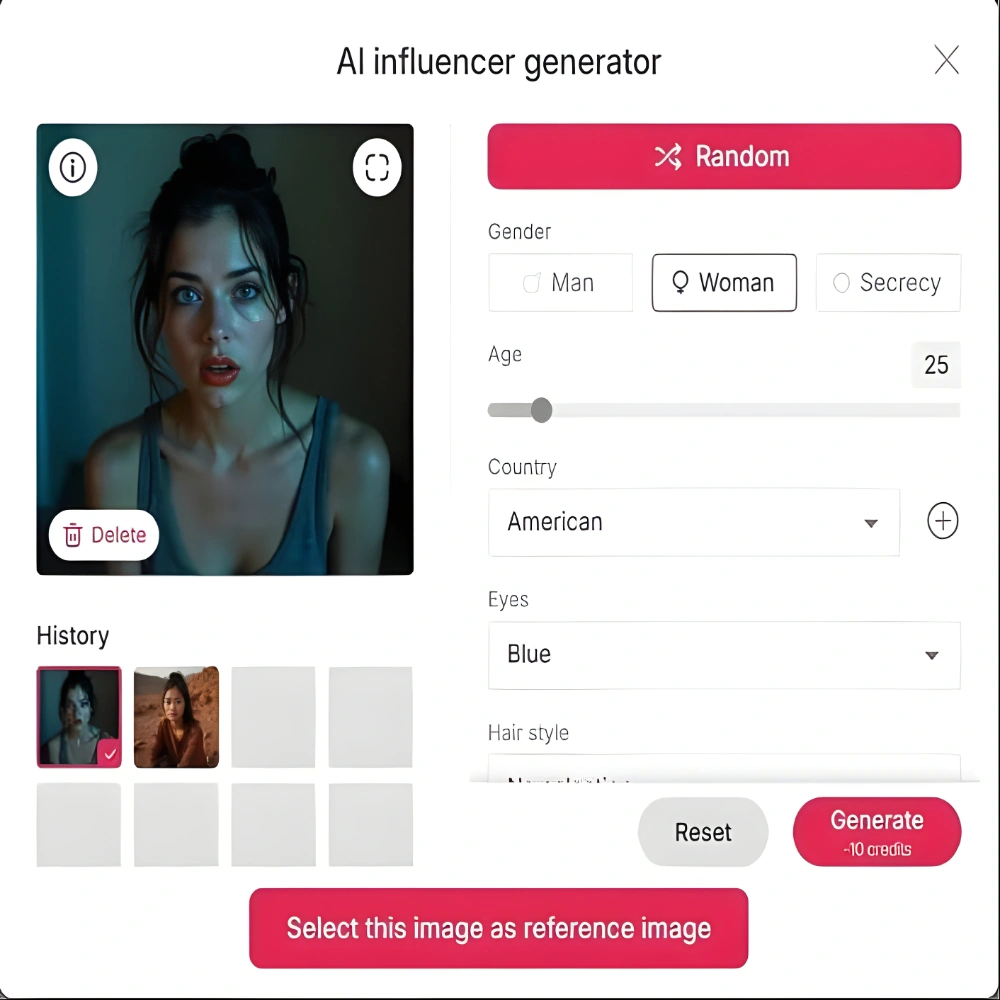
The platform offers three generation modes:
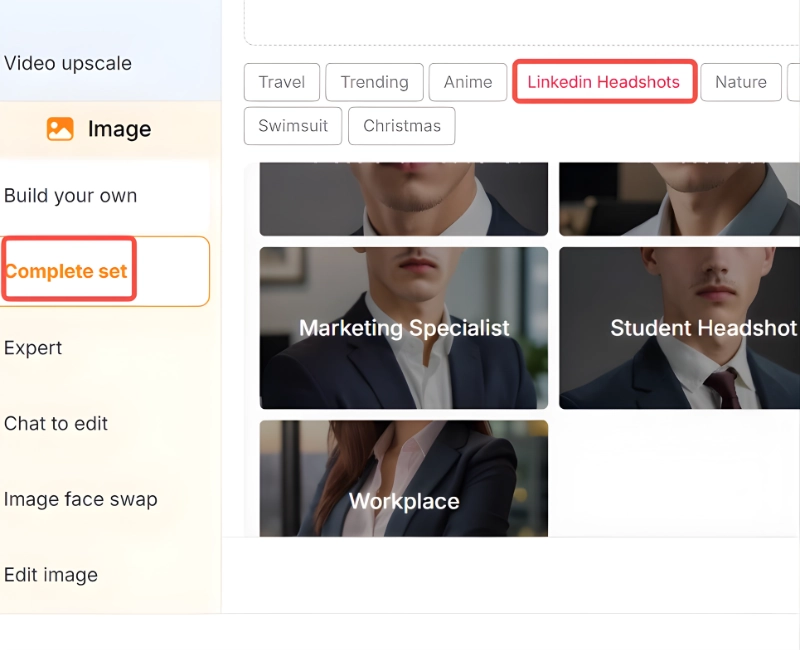
Beginners use the “Complete Set” option with pre-designed trending styles. Select “LinkedIn professional” or “corporate headshot” and let the AI handle everything else.
Intermediate users prefer “Build Your Own Mode” to control style, appearance, environment, and weather conditions. You pick backgrounds, lighting, and attire manually.
Expert users access custom prompt fields and negative prompts for granular control over every detail. This mode requires understanding AI image generation terminology.
Each headshot generation consumes credits based on quality settings. Standard images take 10-15 credits, while 4K Ultra mode requires 30-40 credits. Generation time averages 30-60 seconds on paid plans, and 2-5 minutes on the free tier during peak hours.
✔ Key Features That Matter for Professional Photos
🖼 Image Quality & Resolution

APOB AI delivers 4K Ultra mode on premium plans. After comparing outputs with BetterPic and HeadshotPro, the realism scores are comparable. The Face-Lock technology maintains consistency across multiple generations—critical when you need several headshots with the same face for different platforms.
Professional lighting is automatically applied. The AI understands studio lighting patterns, so your images don’t look flat or amateurish.
👨💼 Professional Headshot Styles

The platform includes specific presets for LinkedIn photos, corporate business headshots, resume/CV photos, and creative professional portraits. Industry-specific looks are available for real estate agents, finance professionals, tech workers, and creative fields.
⚙ Editing & Refinement Tools
Chat-to-Edit functionality lets you type adjustments: “make the background darker” or “change shirt to navy blue.” Background replacement works seamlessly. Clothing swap lets you test different outfits without regenerating the entire image.
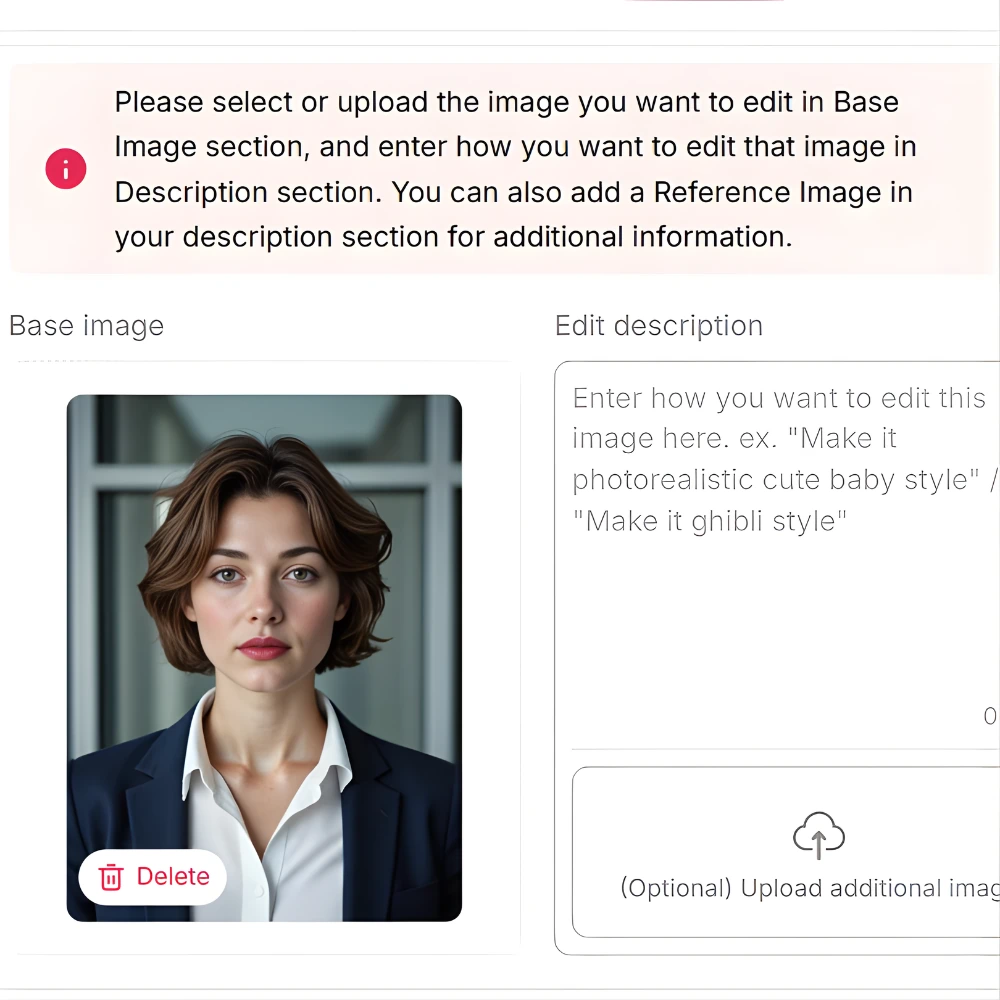
Batch generation creates 4-8 variations simultaneously, giving you options to choose from—similar to how traditional photographers take multiple shots.
The platform also includes talking avatar features and image-to-video conversion. While these aren’t essential for static headshots, they’re useful bonuses if you create video content.
💸 APOB AI Pricing Breakdown – What You Actually Get 💸
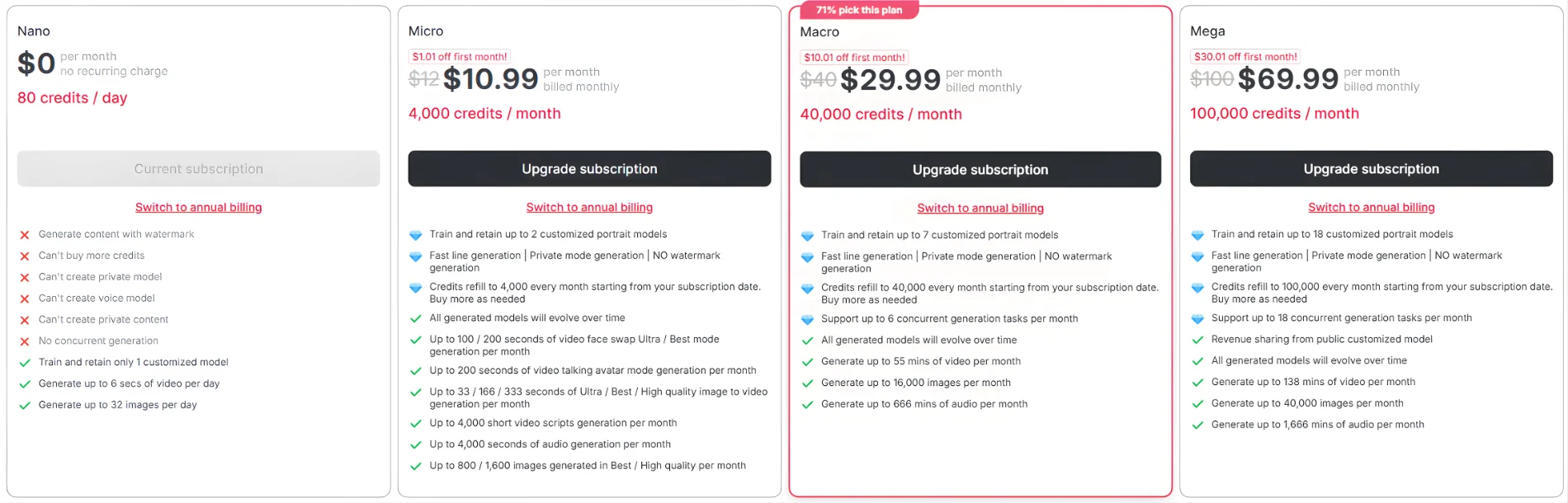
✅ Free Plan (Nano)
✅ Micro Plan – $10.99/month ($72 annually)
✅ Macro Plan – $29.99/month ($240 annually)
⭐ Most Popular
✅ Mega Plan – $69.99/month ($600 annually)
50% OFF APOB AI Annual Plan!
Simplify workflows and create like a pro. Redeem this coupon now to save 50% on all APOB AI yearly subscriptions.
Verified
198 uses today
⚔ APOB AI vs Top Paid Headshot Generators ⚔
| Feature | APOB AI (Free) | APOB AI (Macro) | BetterPic | HeadshotPro | Aragon AI |
|---|---|---|---|---|---|
| Price | $0 | $29.99/mo | $35//once/person | $49/session | $12/session |
| Headshots | 5 credits/image | 500+/month | 60 | 40 | 40 |
| Quality | 8/10 | 8.5/10 | 9/10 | 8.5/10 | 8/10 |
| Speed | 2-5 min | 30-60 sec | 60 sec | 1.5 hour | 45 mins |
| Customization | High | Very High | Medium | Low | Medium |
| Best For | Testing/Budget | Creators | Corporate | Quick needs | Variety |
APOB AI wins for budget-conscious professionals, regular content creators needing variety, students, and anyone testing AI headshots before committing to paid tools.
Paid alternatives win for corporate teams needing bulk headshots immediately, urgent deadline projects, and users wanting 100+ perfect options without time constraints.
💁♂️ Who Should Use APOB AI?
Ideal Users:
Not Recommended For:
📌 APOB AI Review: Honest Pros & Cons

✔ What Works:
Free option with 80 daily credits regenerating automatically. No credit card required to start. Studio-quality results that match tools charging $50-79. Interface works for beginners but offers expert customization. Face consistency technology prevents the “different person” problem. Multiple style options from LinkedIn professional to creative portraits.
Affordable paid plans start at just $6 monthly(annual). Video capabilities included as bonus features. Over 600,000 users provide social proof the platform delivers.
❌ What Doesn’t:
Free plan watermarks your images. Queue times during peak hours frustrate when you need quick results. 80 daily credits might not suffice for bulk projects. Learning curve exists for advanced customization. Some premium features locked behind paid plans. Complex prompts occasionally produce inconsistent results. Commercial rights only come with premium plans.
✅ How to Get Started (Quick Setup) ✅
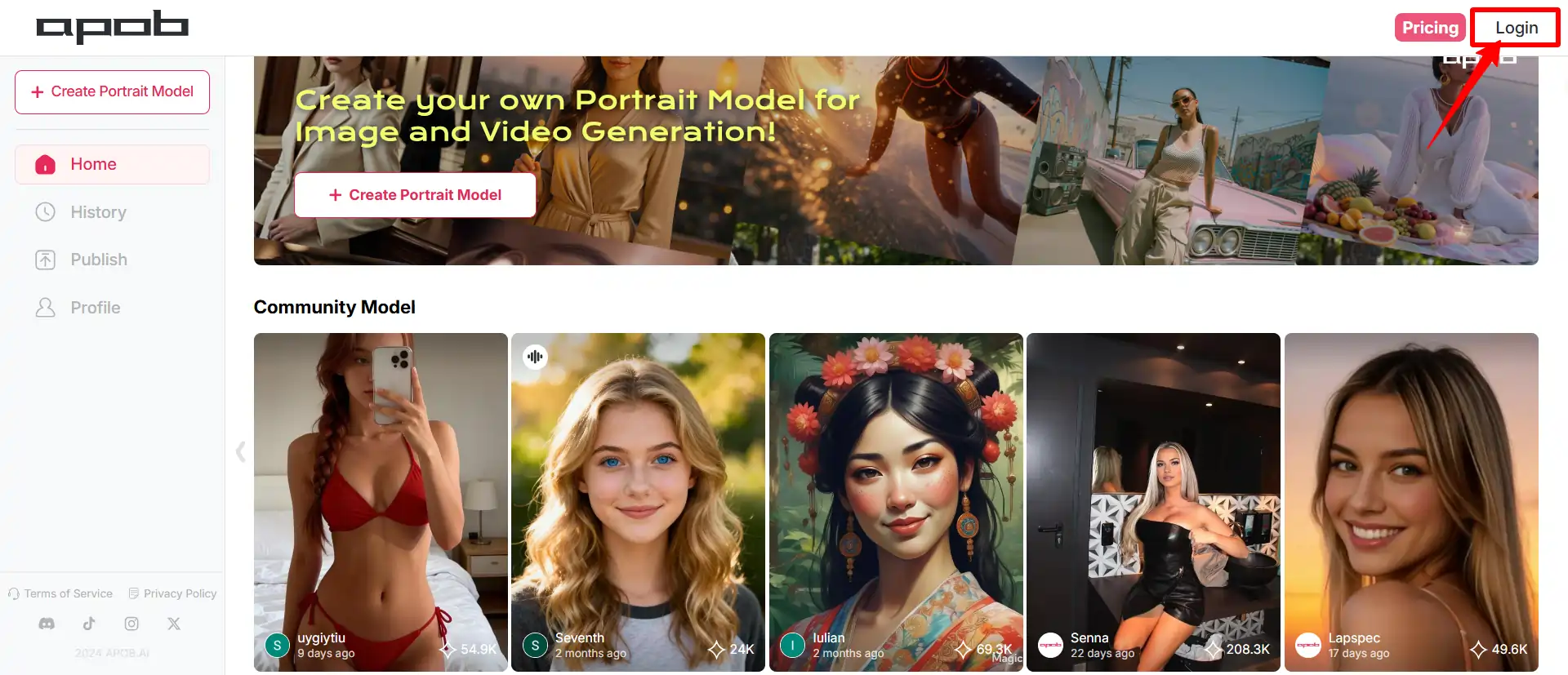
- Visit APOB AI and sign up using email or social login
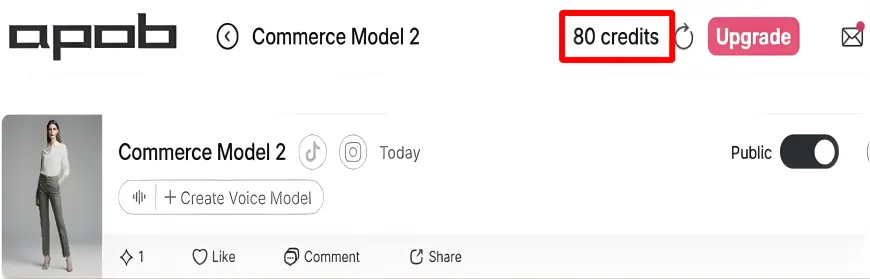
- Claim your 80 free daily credits automatically
- Choose between uploading your photo or using the AI generator

- Select “LinkedIn Headshots” from style options
- Adjust settings: background (office, studio, outdoor), clothing style, lighting preference
- Click generate and wait 30-90 seconds
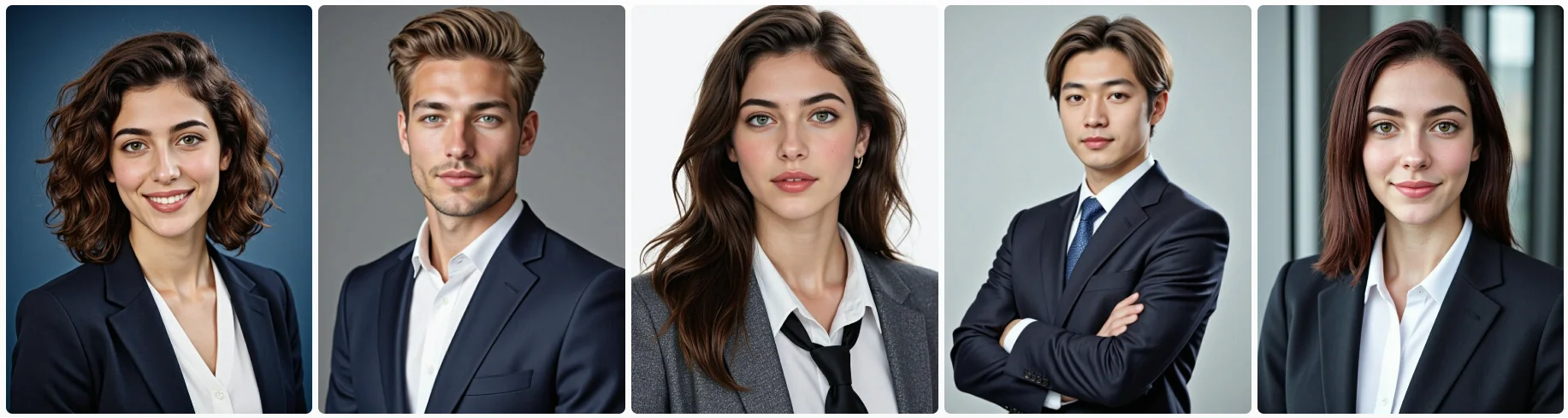
- Download results (right-click save or download button)
💡 Pro Tips for Better Results:
Upload photos with clear face visibility, good lighting, and neutral expressions. When writing custom prompts, be specific: “navy blue suit, gray background, soft studio lighting, professional smile” works better than “professional photo.”
Select solid color backgrounds for traditional corporate looks. Avoid busy backgrounds for LinkedIn. Choose clothing colors that contrast with your skin tone. Natural expressions outperform forced smiles.
Start with half your 80 daily credits testing different styles. Save the other half for final generation once you know what works.
❓ Common Questions Answered Related to APOB AI
Is APOB AI really free or is there a catch?
How does quality compare to real photography?
Can I use these headshots for LinkedIn professionally?
What happens when I run out of credits?
💁♂️ Final Verdict – Is APOB AI Worth It?
APOB AI delivers what most AI tools promise but don’t deliver: genuinely free access that actually works. The free plan isn’t a teaser—it’s a legitimate way to create AI influencers, faceless content, and professional imagery without spending a dime.
Start free. Generate your first AI influencer or professional portrait with 80 daily credits. See if the results match your vision. Most users realize within 48 hours this beats paying $50-200 elsewhere.
The platform works for quick LinkedIn updates, full-scale faceless YouTube channels, or testing AI content before committing serious budget. Your $0 investment today could save you thousands in content creation costs this year.