
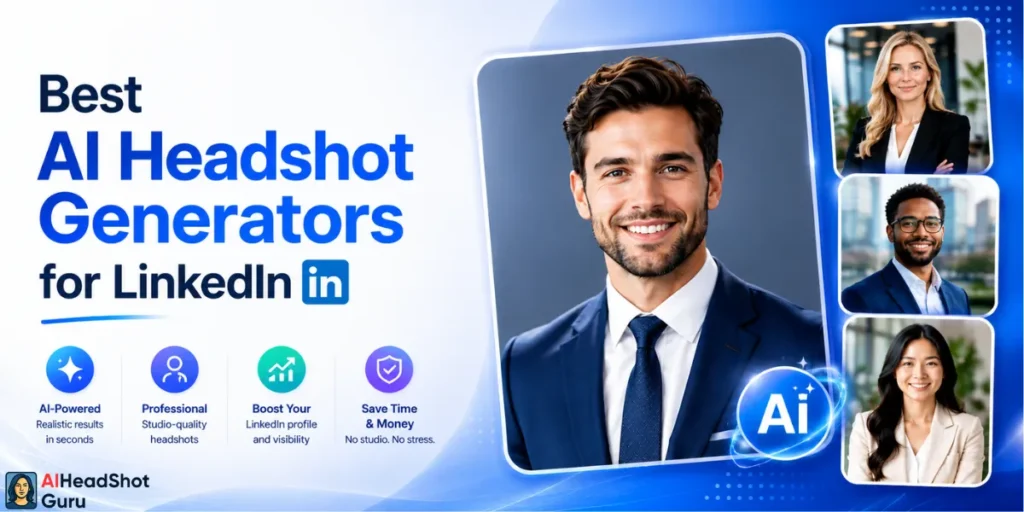
Your LinkedIn photo is quietly doing more work than your headline and might already be costing you clicks. Profiles with a sharp, professional headshot can get up to 14x more views, yet most people still cling to a cropped wedding shot or a blurry selfie.
The good news? You don’t need a $300 studio session anymore. AI Headshot Generators for LinkedIn now turn a handful of phone selfies into recruiter-ready portraits in around an hour.
We ran real selfies through every major tool and judged them on the four things that actually matter for LinkedIn. Here's how the AI LinkedIn profile picture tools stacked up, ranked from our top pick down.
Best LinkedIn Photo Generators at a Glance 👨🏻💼👤
| Rank | Tool | Starting Price | Turnaround | Best For |
|---|---|---|---|---|
| 1 | BetterPic | $35 one-time | ~1–2 hours | Best overall LinkedIn-ready headshots |
| 2 | Aragon AI | $35 one-time | 30–45 min | Premium realism & personal branding |
| 3 | InstaHeadshots | $59 one-time | ~15 min | Fastest professional delivery |
| 4 | HeadshotPro | $29/person | 2–4 hours | Corporate teams & bulk orders |
| 5 | APOB AI | Credit-based | Minutes | Style variety & creative control |
| 6 | OpenArt | From ~$10 | Minutes | Budget DIY (Nano Banana, Seedream) |
| 7 | Imagine.art | Subscription | Minutes | All-in-one design + headshots |
| 8 | Higgsfield | Free + paid tiers | Seconds | Quick experiments & free generations |
| 9 | Genspark | Free daily credits | Minutes | Free casual headshot drafts |
1. BetterPic — The Top Pick for LinkedIn-Ready Headshots
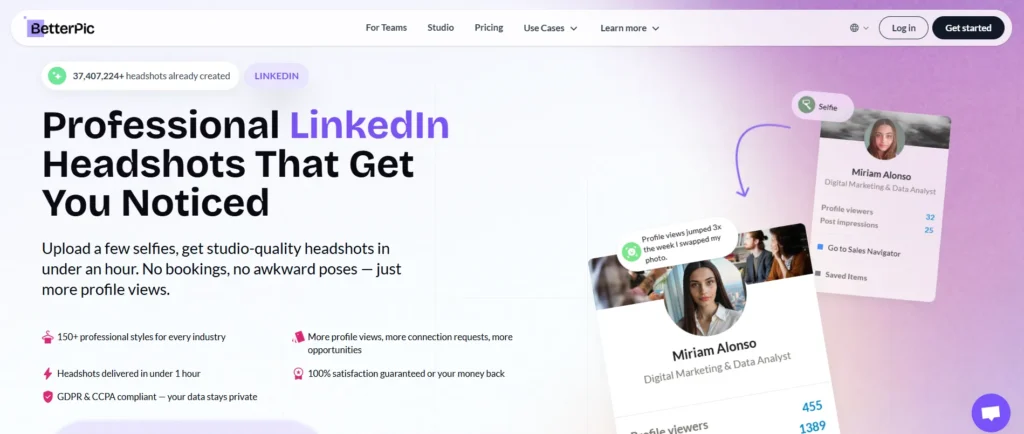
BetterPic took our number one spot because it threads the needle most people care about: 4K studio quality without the studio price tag. Plans run $35 (Basic, 20 headshots), $39 (Pro, 60 headshots, 3 styles), and $79 (Expert, 120 headshots, 6 styles), all one-time payments with no sneaky subscription.
What sealed it: the outputs land closest to a real photographer's results, with natural skin texture and clean backgrounds that drop straight into LinkedIn's square crop.
Turnaround sits around 1–2 hours on paid tiers, and the Expert plan even throws in unlimited human edits on one photo plus a free redo. There's a free queue too, but the wait can stretch into months, so the $35 tier is the realistic move if you need it this week.
Verdict: Best AI headshot generator for LinkedIn if you want professional LinkedIn photo AI quality without overthinking it.
🔥 BetterPic 10% OFF — Get LinkedIn-Ready Headshots Instantly
Get realistic 4K AI headshots with BetterPic and save 10% OFF using code AFFMAVEN—perfect for professional LinkedIn photos in hours, not days.
Use Code 🎁
AFFMAVEN
2. Aragon AI — Premium Realism for Personal Branding
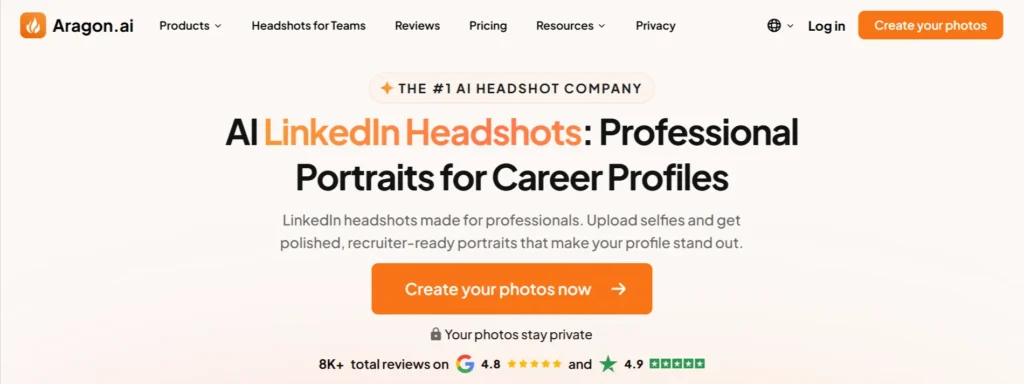
Aragon AI is the tool to beat when pixel-perfect likeness is the whole game. It starts at $35 for 40 headshots with a single attire and background, scaling up to $75 for 100 headshots across more styles. Generation is quick, often 30–45 minutes.
The realism is the headline here. Aragon leans hard into lighting calibration and skin-texture preservation, so the results read as “shot by a photographer” rather than “made by a robot.”
The trade-off is that it sits at the premium end, and you'll want to feed it strong reference selfies to get the most from it. Privacy-conscious users will like that uploads and the temporary model are deleted within seven days.
Best for: Founders, coaches, and creators building a serious personal brand.
3. InstaHeadshots — Fastest Professional Delivery
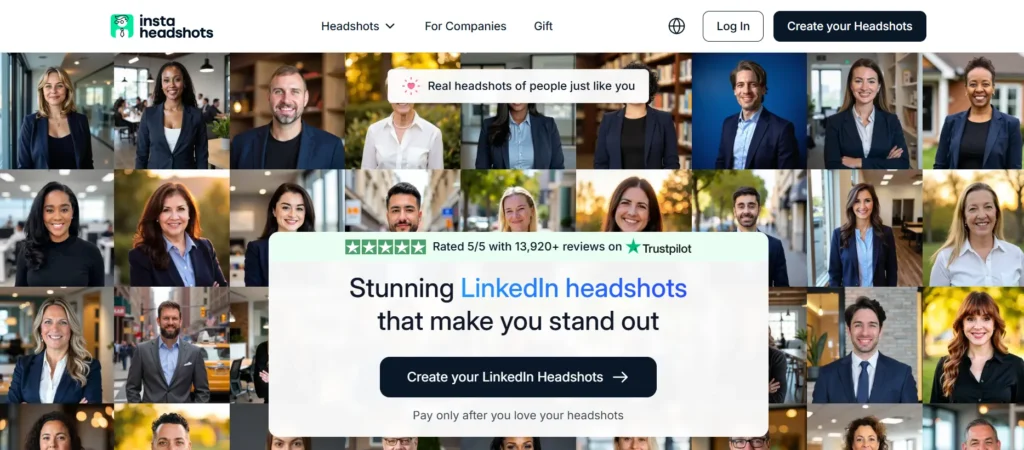
Need a LinkedIn profile photo generator that's done before your coffee gets cold? InstaHeadshots delivers in roughly 15 minutes. Pricing is refreshingly simple: $59 for 50 headshots, no confusing tiers.
Its “Looks” system bundles a background and outfit together as ready-made combos, which removes the decision paralysis a lot of these tools create.
You'll need to upload about 10 photos to get a clean facial model. Quality is genuinely solid for the speed, though it trades a touch of the hyper-realism that BetterPic and Aragon chase.
Quick tip: Upload varied angles and expressions. Even the fastest AI struggles to fake likeness from five near-identical selfies.
⚡ InstaHeadshots 10% OFF — Get Pro Headshots in 15 Minutes
Get LinkedIn-ready AI headshots in minutes with InstaHeadshots. Use code AFFINCO10 to save 10% OFF and enjoy fast, professional-quality results.
Use Code 🎁
AFFINCO10
4. HeadshotPro — Built for Corporate Teams
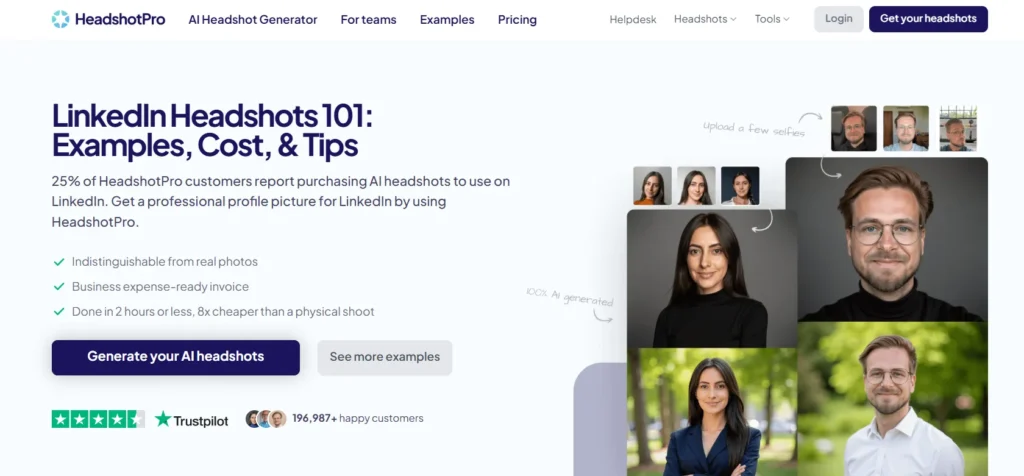
HeadshotPro earns its spot as the team player. At around $29 per person, it's the most cost-effective way to give an entire department matching, on-brand headshots. A 10-person batch lands under $300, a fraction of flying in a photographer.
Turnaround runs 2–4 hours, and the shared dashboard makes bulk ordering painless for HR and ops folks. The corporate-leaning style is consistent and clean, exactly what you want for a uniform team page. Expect to cull roughly 5–10% of images, and note it also signs data-processing agreements for GDPR-minded companies.
Pick this if: You're outfitting a whole team, not just yourself.
5. APOB AI — Style Variety and Creative Control
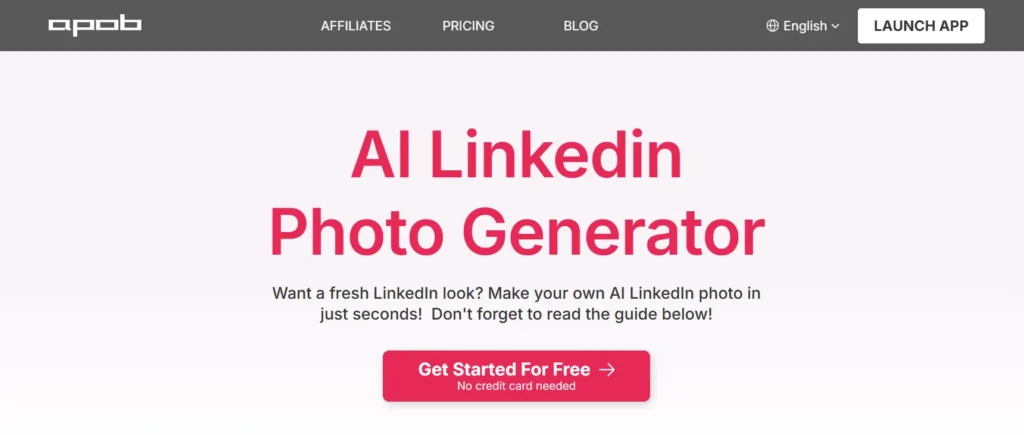
APOB AI is for the person who wants options. Where most LinkedIn headshot AI tools hand you one corporate look, APOB opens up a wider creative range, useful if your “professional” varies between a startup hoodie and a boardroom blazer.
The credit-based model gives flexibility, and generations come back in minutes. It's a strong shout for creators who maintain a brand presence beyond LinkedIn alone, since the same engine handles broader image styles. Likeness is good but rewards careful prompt and reference selection.
6. OpenArt — The Budget DIY Route
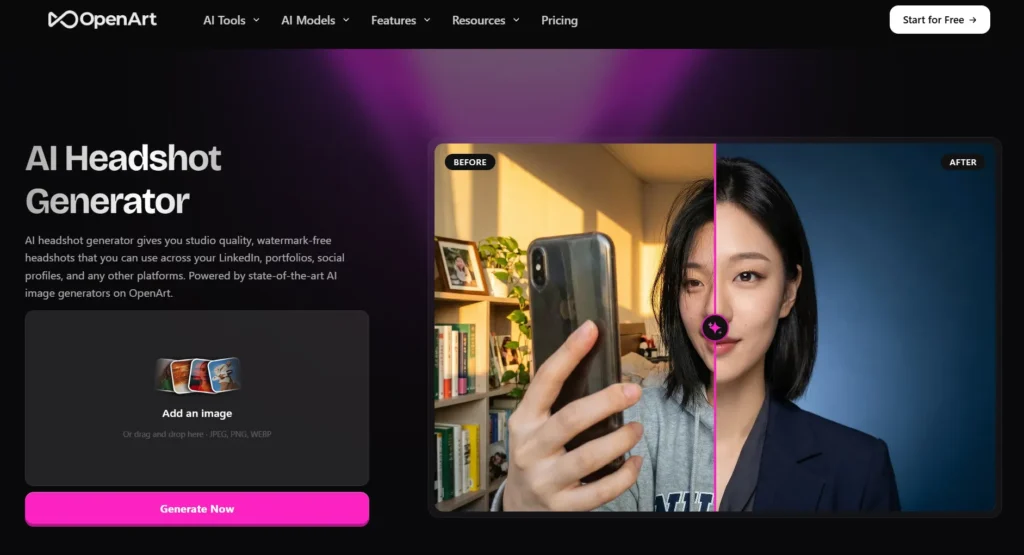
OpenArt is the wallet-friendly pick for the tinkerers. Running models like Nano Banana and Seedream, you can generate headshots for as little as ~$10 and iterate as much as you like.
The catch is consistency: Nano Banana is the cheapest but wobbles on exact likeness, while Seedream produces noticeably sharper, more accurate faces.
This isn't a one-click “done” tool, it's a sandbox. If you enjoy prompting and want maximum control per dollar, it pays off. If you want LinkedIn quality without fiddling, the dedicated tools above are safer.
💸 OpenArt 15% OFF — Build Headshots Your Way for Less
Want full control without paying studio prices? OpenArt lets you generate and tweak AI headshots at your own pace with code ALL15 for 15% OFF—now with extra savings.
Use Code 🎁
ALL15
7. Imagine.art — All-in-One Design Plus Headshots
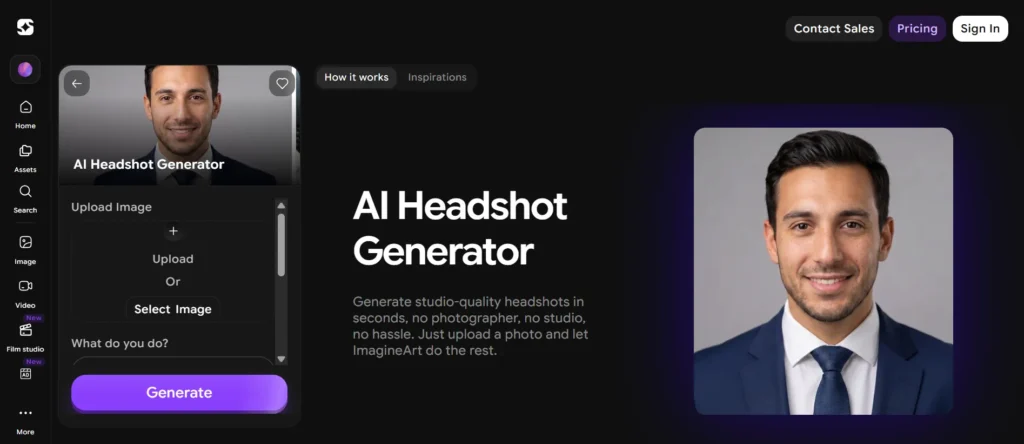
Imagine.art folds AI headshot generation into a broader creative suite, so you're not just buying a profile photo, you're getting an editing toolkit. Results come back in minutes on a subscription model.
This makes sense if you already create thumbnails, banners, or social graphics and want one platform doing double duty.
For pure LinkedIn headshot quality it ranks mid-pack, with output that depends heavily on your source photos and style settings, but the versatility is the selling point.
8. Higgsfield — Fast and Free to Try
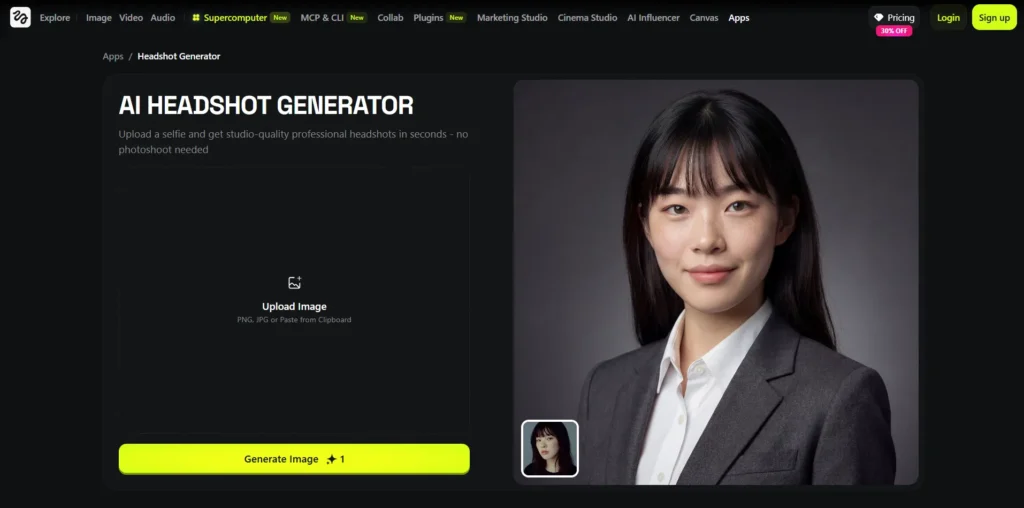
Higgsfield generates portraits in seconds and lets you start for free, which makes it a great low-stakes way to test the waters. There's no commitment to see if AI headshots are even your thing.
Treat the free generations as drafts rather than finished LinkedIn assets. The speed is genuinely impressive, and paid tiers unlock more polish, but you'll get more reliable LinkedIn-ready results from the top three for an important profile refresh.
9. Genspark — Free Casual Drafts
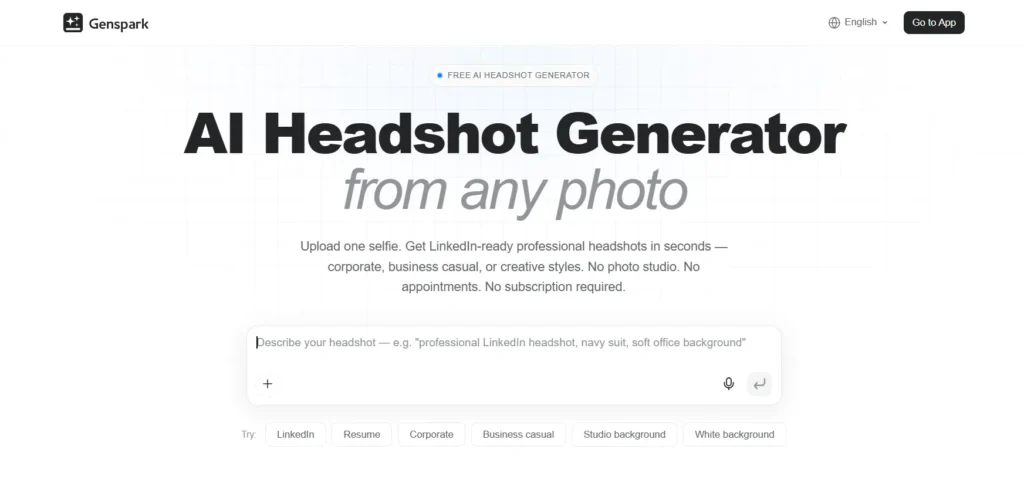
Genspark rounds out the list with free daily credits and access to multiple image models, including Nano Banana Pro. It's the most casual option here, perfect for quick experiments at zero cost.
Realism and consistency don't match the dedicated headshot specialists, so think of Genspark as a no-risk starting point. If you're job hunting and the photo genuinely matters, graduate to a paid tool once you've played around.
📷 How We Tested These AI LinkedIn Photo Generators
Every tool got the same treatment so the rankings stay honest. We fed each one a consistent set of real selfies and scored the output on:
Tools that aced likeness and polish floated to the top. Anything that produced a stranger's face, however pretty, dropped fast.
❓ What Makes a LinkedIn Headshot Actually Work
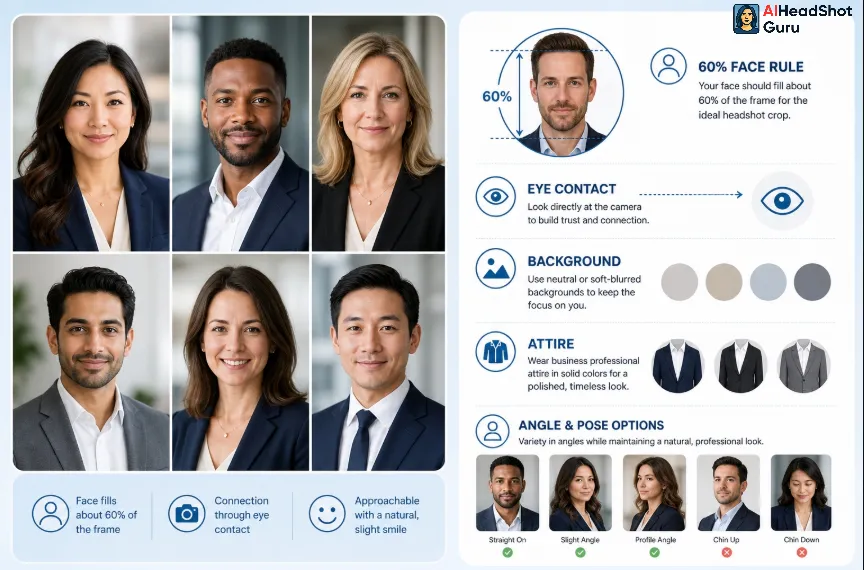
A great LinkedIn profile photo isn't about looking like a magazine cover, it's about trust. A few non-negotiables from our testing:
- Face fills 60% of the frame. LinkedIn shows your photo small; a distant shot disappears.
- Direct eye contact and a genuine, slight smile consistently outperform stiff, neutral expressions.
- Simple background in a neutral or soft-blurred tone keeps the focus on you.
- Dress one notch above your industry's norm. A blazer rarely hurts; a tank top rarely helps.
Upload 10–20 varied selfies (different angles, lighting, expressions) and the AI builds a far more accurate model than it can from a handful of similar shots.
🎯 FAQs: AI Headshot Generators for LinkedIn
Are AI headshots allowed on LinkedIn?
Yes. AI headshots are widely used and fully acceptable, as long as the result looks realistic and actually resembles you. Over-stylized or obviously fake images can erode trust with recruiters, so keep it natural.
How many photos do I need to upload?
Most platforms perform best with 10–20 varied selfies. Mixing up angles, expressions, and lighting helps the AI nail your likeness. Too few near-identical photos is the number one cause of distorted results.
How much does an AI LinkedIn headshot cost in 2026?
Expect roughly $29 to $79 one-time for a full set, depending on the tool and tier. That's a steep saving against a traditional studio session, which typically runs $200–$800.
How fast can I get a LinkedIn-ready photo?
Anywhere from 15 minutes (InstaHeadshots) to about 1–2 hours (BetterPic, Aragon AI). Free queues, like BetterPic's, can take far longer, so paid tiers are the move when you're on a deadline.
Do these tools keep my photos?
Policies vary. Tools like Aragon AI and HeadshotPro state they delete uploads and temporary models within days. Always skim the privacy terms before you upload, especially for work-related images.
Which AI headshot generator is the best for LinkedIn?
For most people, BetterPic wins on the balance of 4K quality, fast turnaround, and one-time pricing. Aragon AI edges ahead if you want maximum realism, while HeadshotPro is the pick for outfitting a full team.
🚀 The Bottom Line
A profile photo that quietly signals “this person is the real deal” is the cheapest career upgrade available in 2026, and you no longer need a photographer to get one.
BetterPic is the safe, high-quality default for a LinkedIn-ready headshot, Aragon AI is the realism specialist, and InstaHeadshots gets you sorted in 15 minutes flat.
Pick based on your timeline and budget, upload a strong set of selfies, and swap out that old photo today, your next recruiter is already scrolling.